SQL Notebooks in Oracle SQL Developer extension for VS Code
Introduction:
SQL Notebook is a powerful feature of the SQL Developer Extension for VS Code that offers an alternative to SQL Worksheets that build up a series of queries with Markdown, similar to user defined reports. It works the same way as Jupyter notebook to execute python code.
Pre-Requisite:
SQL Developer extension for VS Code installed and connected with Oracle database. See my last blog post Connect to Oracle Database with VS Code using SQL Developer Extension and SQLcl
Work with SQL Notebook
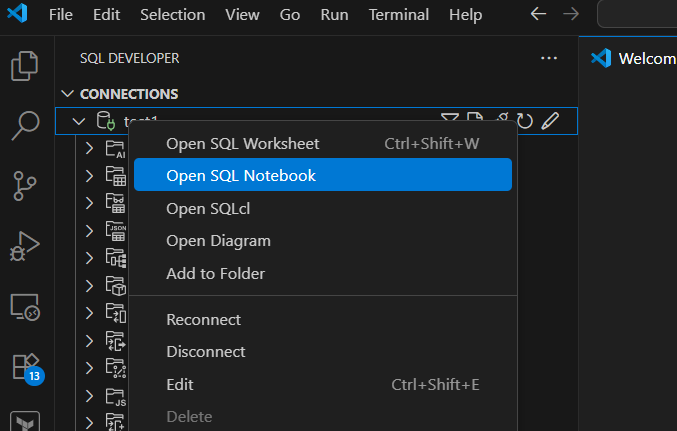
Right click on your connection and click Open SQL Notebook
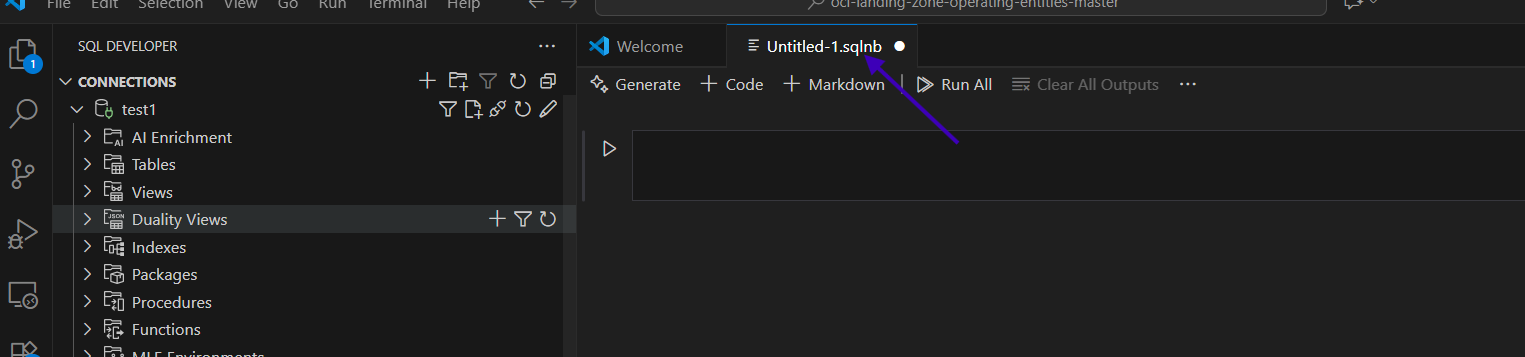
It will open SQL Notebook into a new editor with unsaved .sqlnb file. Looks similar to Jupyter notebook.
SQL notebook features:
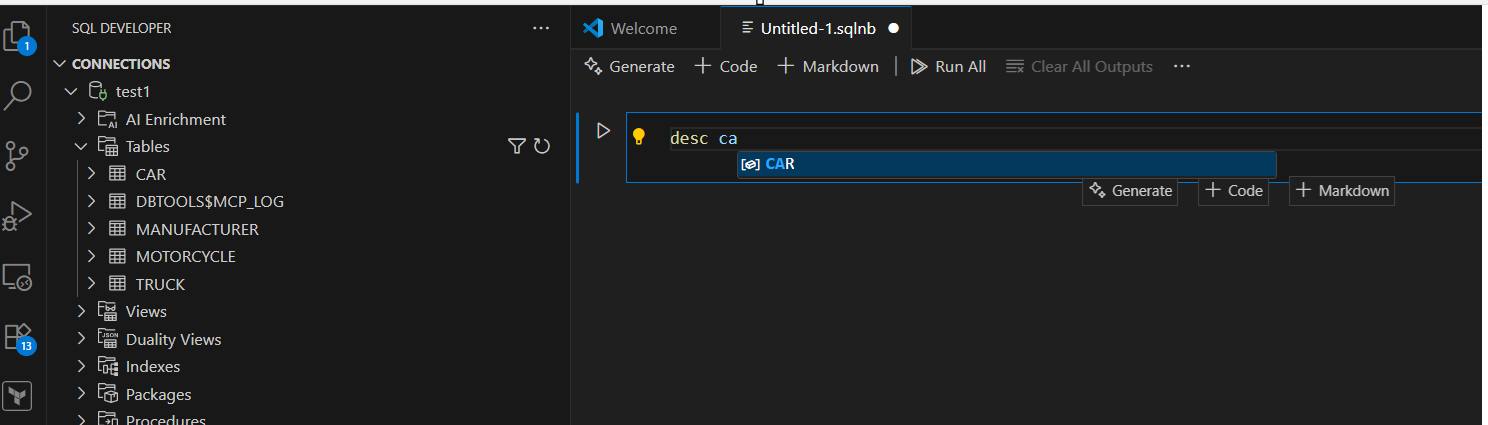
1. Code completion feature:
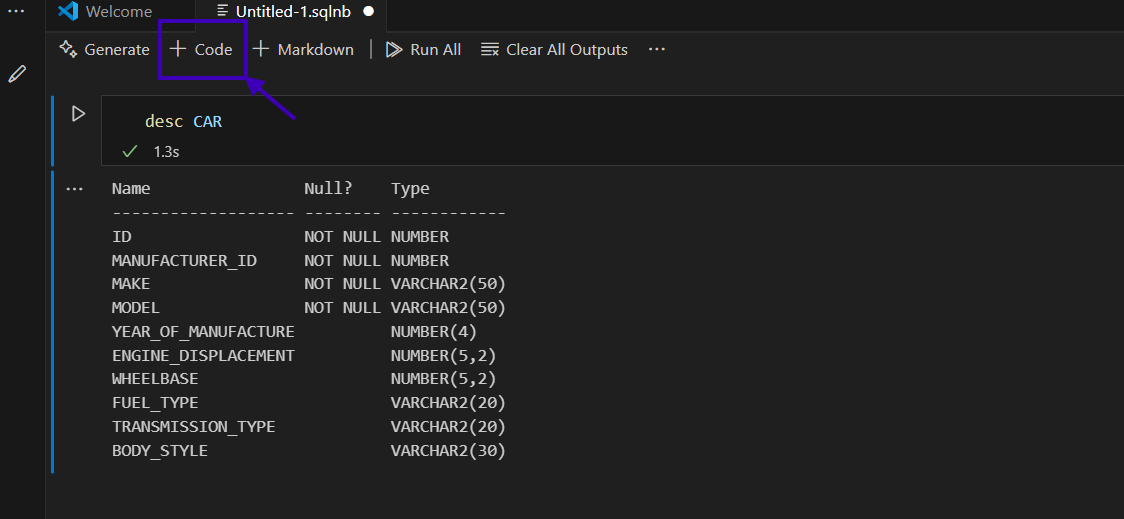
2. Generate Query
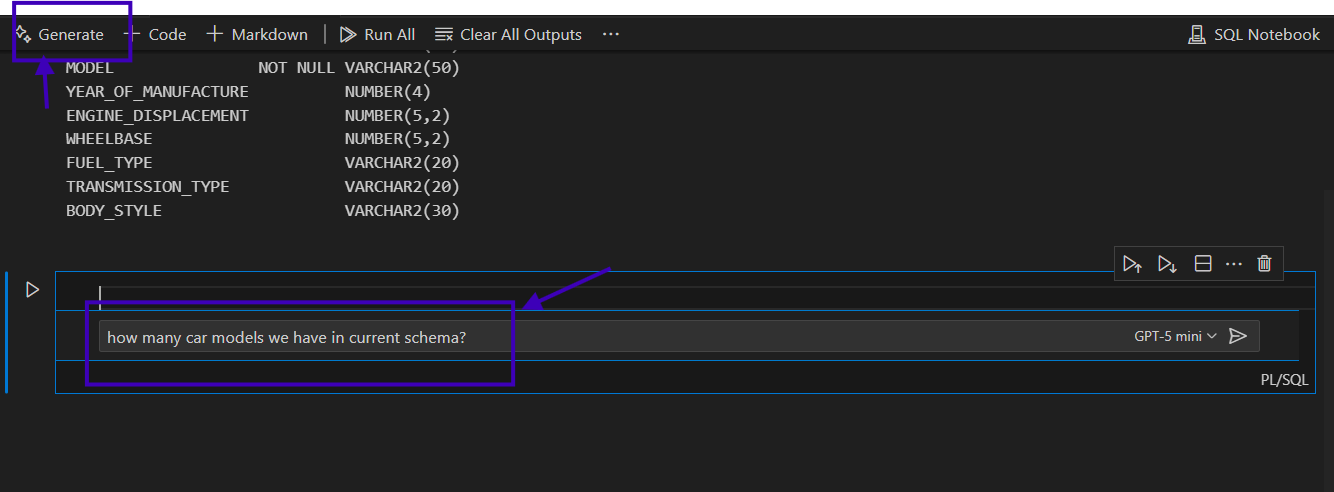
We can generate query using “Generate” feature in SQL notebook by using natural language.
Click on Generate and ask any question related to DB (If you see, it is using GPT-5 mini) model.
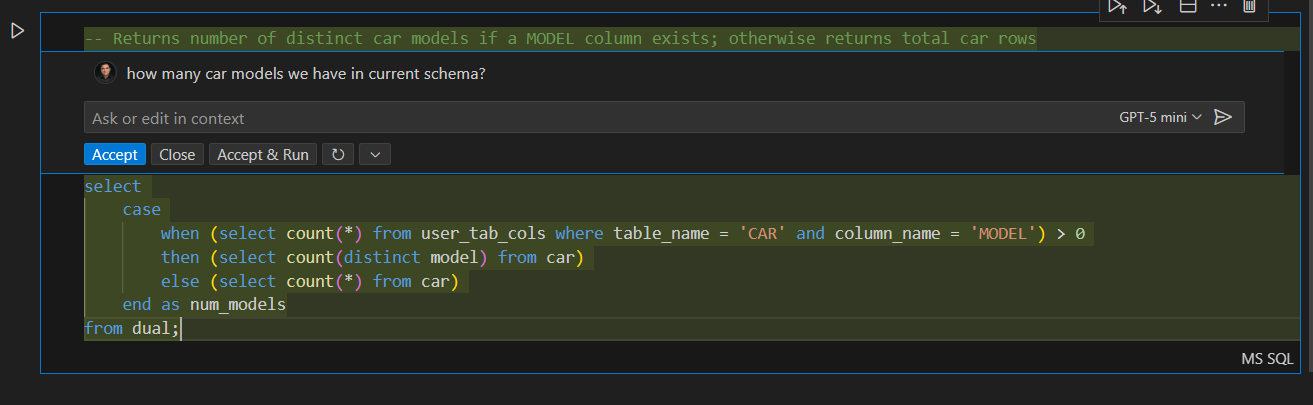
Once we get the response, Click Accept
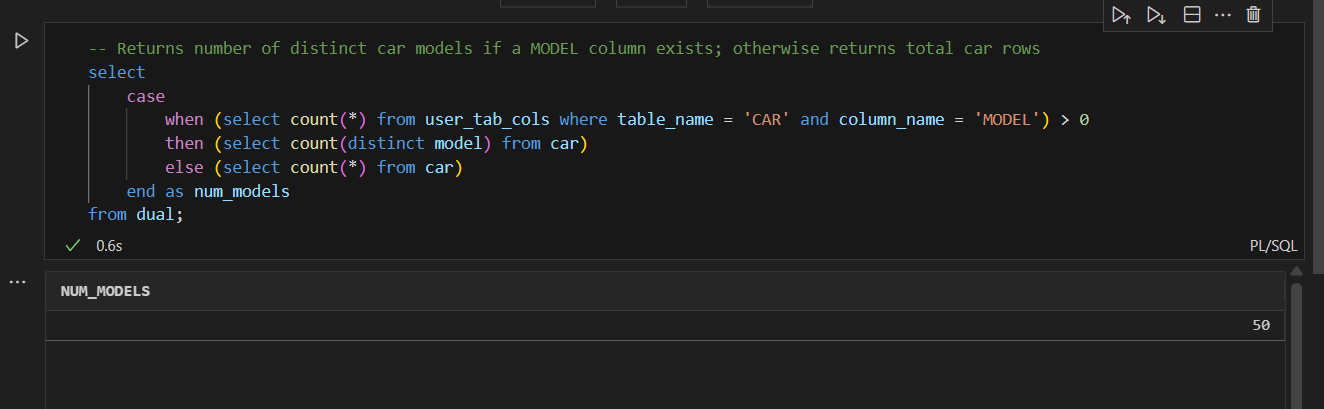
Now run the query
3. Another feature is Markdown Click on Markdown and a markdown cell will create
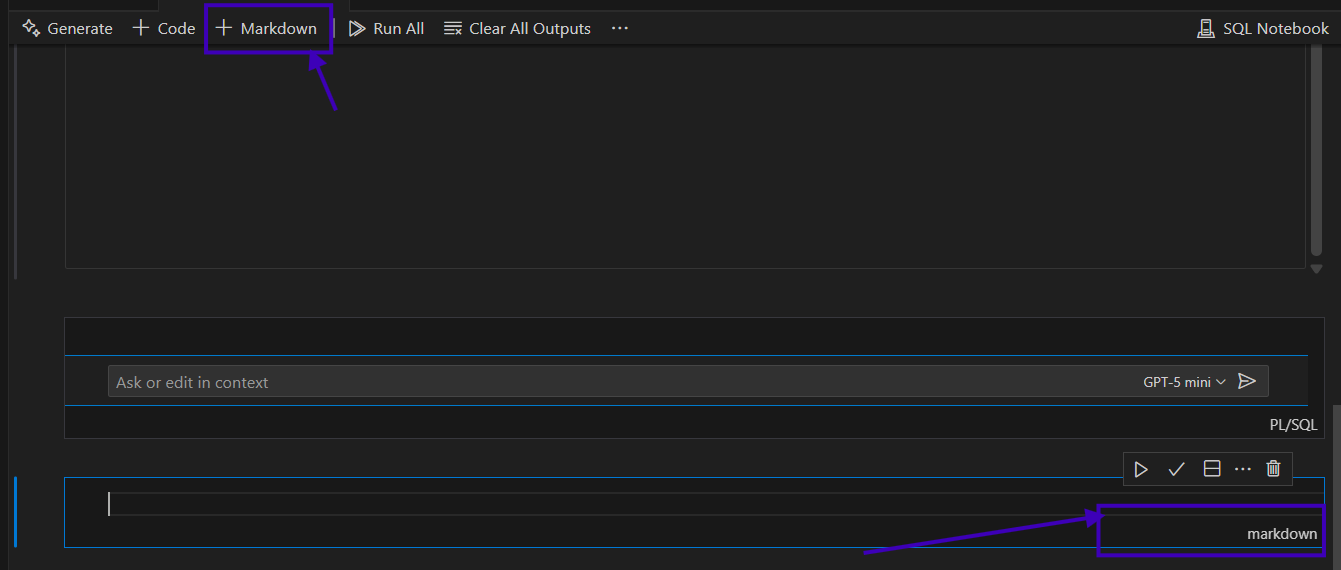
Now write comment or description and click on the right check symbol


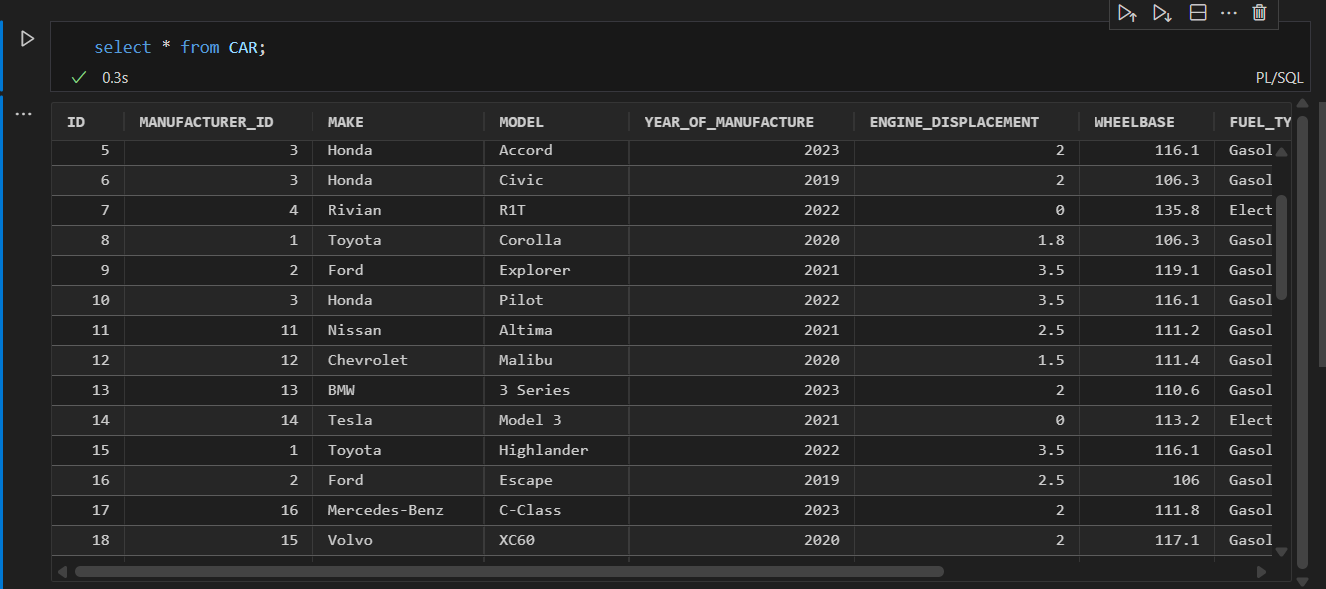
4. Also, we can run any select statement and the output is shown in grid form, which is easy to read.